
GET STARTED WITH PHONELESS
A little structure for less scrolling.
Choose the apps that distract you, give your next focus period a boundary, and see your progress. Bring friends into it when you want shared encouragement and accountability.

Free to download. Some features require PhoneLess Pro; check current access and offers in the app.
1. Download and complete setup
PhoneLess is available for iPhone and Android. Complete the in-app setup, set a screen-time goal that makes sense for you, and enable the permissions needed for the features you choose.
On iPhone, tracking and blocking use Apple Screen Time permissions. Android uses Usage Access for screen-time information and Accessibility for app blocking. Follow your device’s permission screens; the steps differ between platforms.
2. Choose what needs a boundary
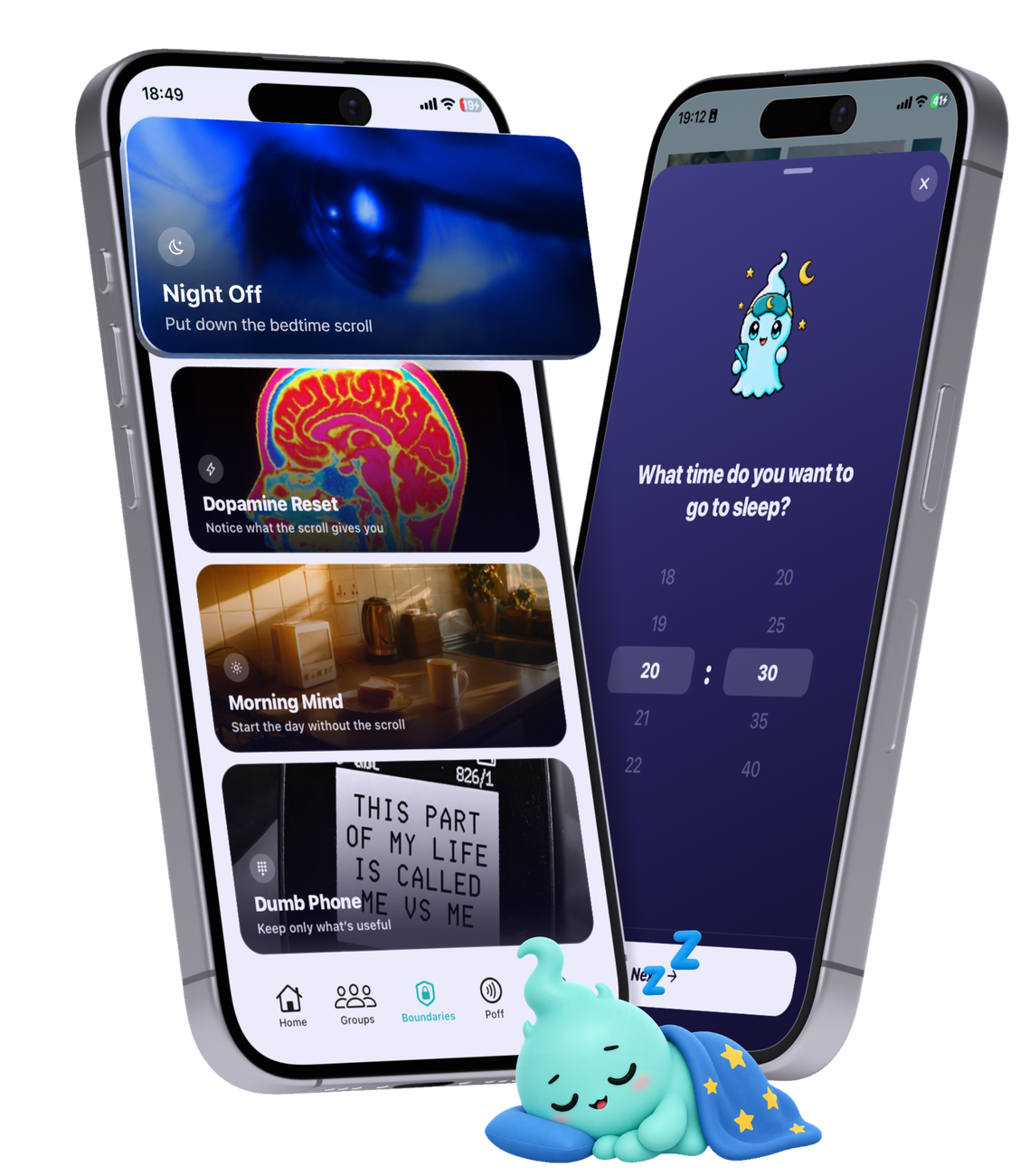
Select the distracting apps you want to use less. Blocking Contracts put rules around those apps, such as a recurring schedule or a daily limit. Choose a rule that fits the moment you want to protect.
The device owner can change or revoke system permissions. Blocking depends on those permissions remaining enabled; it is not an unbreakable restriction. Some modes and advanced features require PhoneLess Pro. Check your current access in the app.
3. Use a Focus Session for a set period
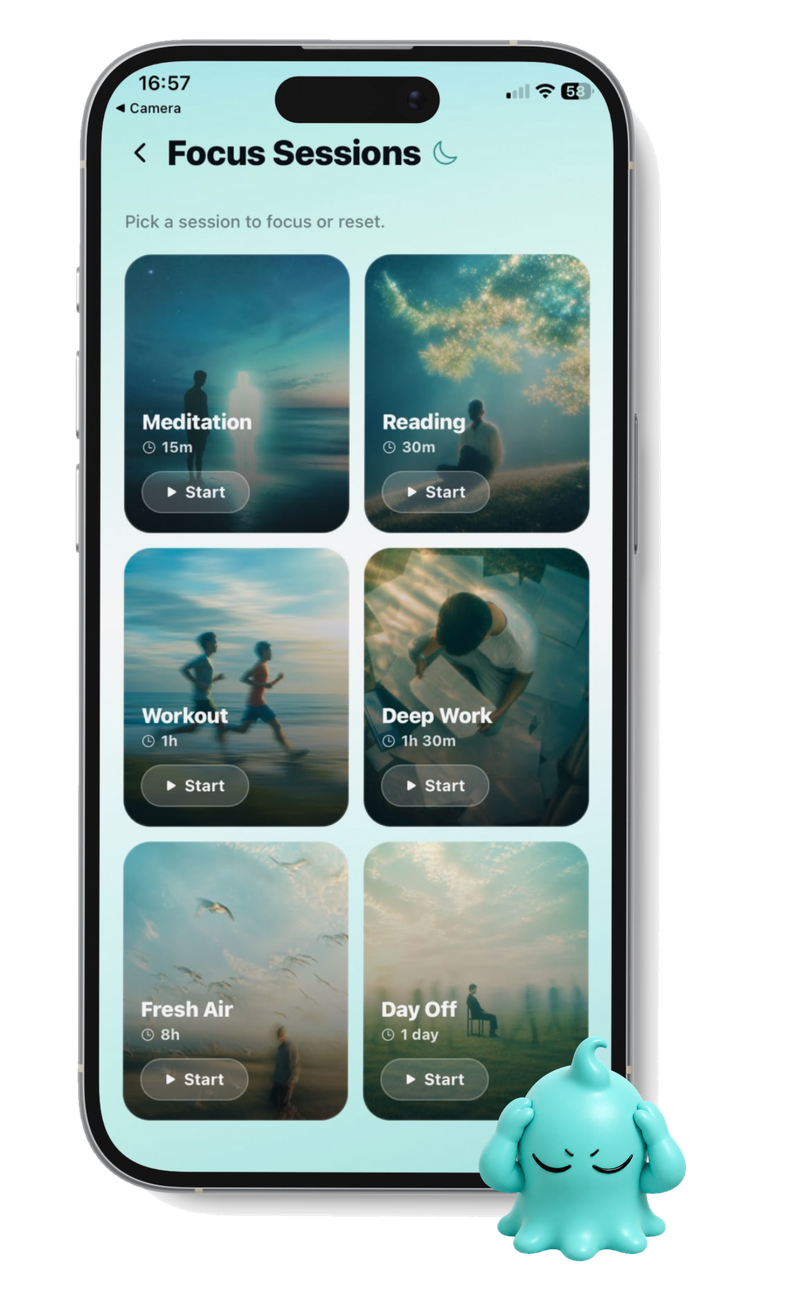
A Focus Session is a timed period for work, study or time away from distractions. Select what to block for that session and start when you are ready.
A recurring Blocking Contract provides an ongoing rule. A Focus Session gives a particular stretch of time a beginning and an end. The modes available to you are shown in the app.
4. Use a challenge to follow a goal
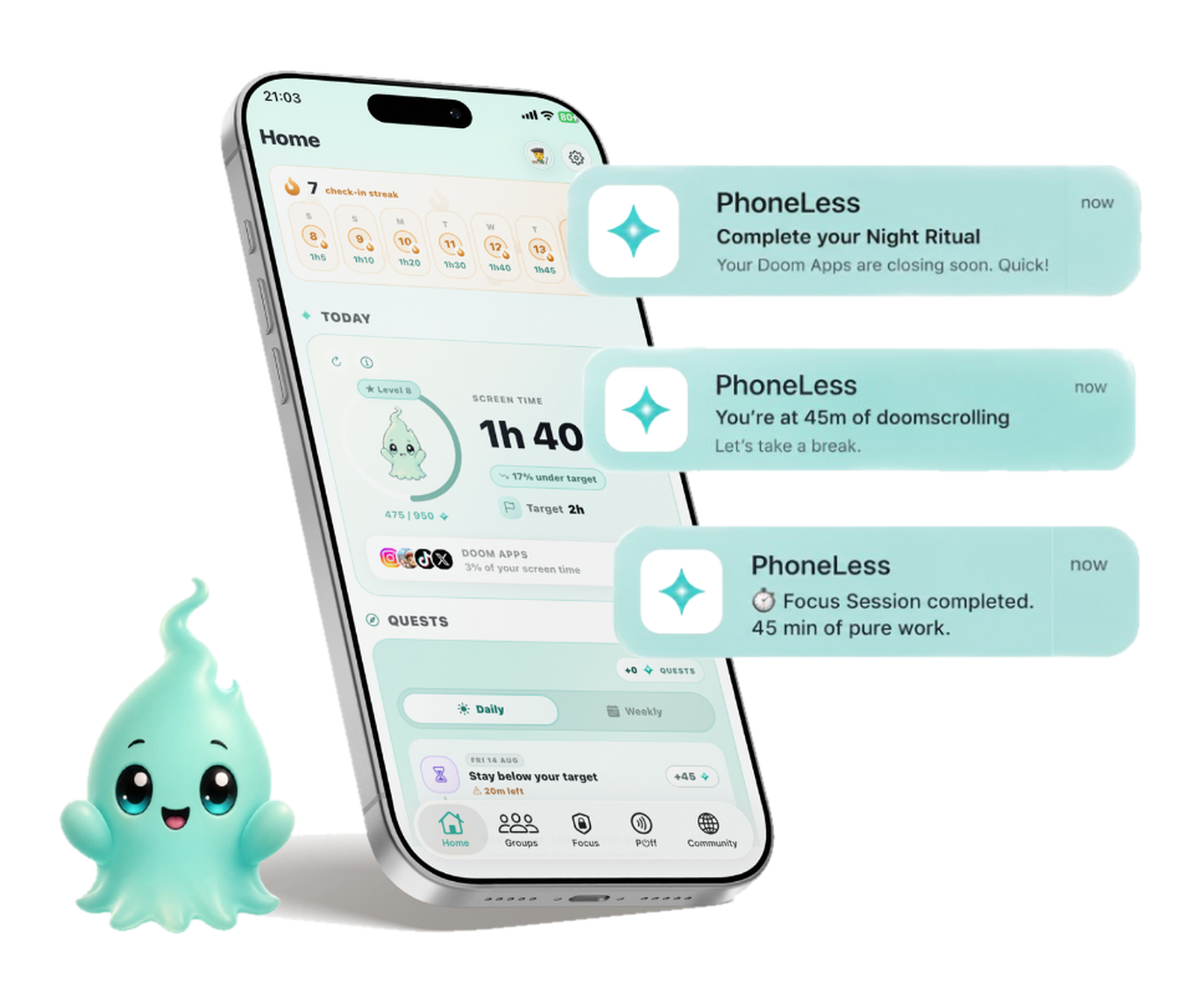
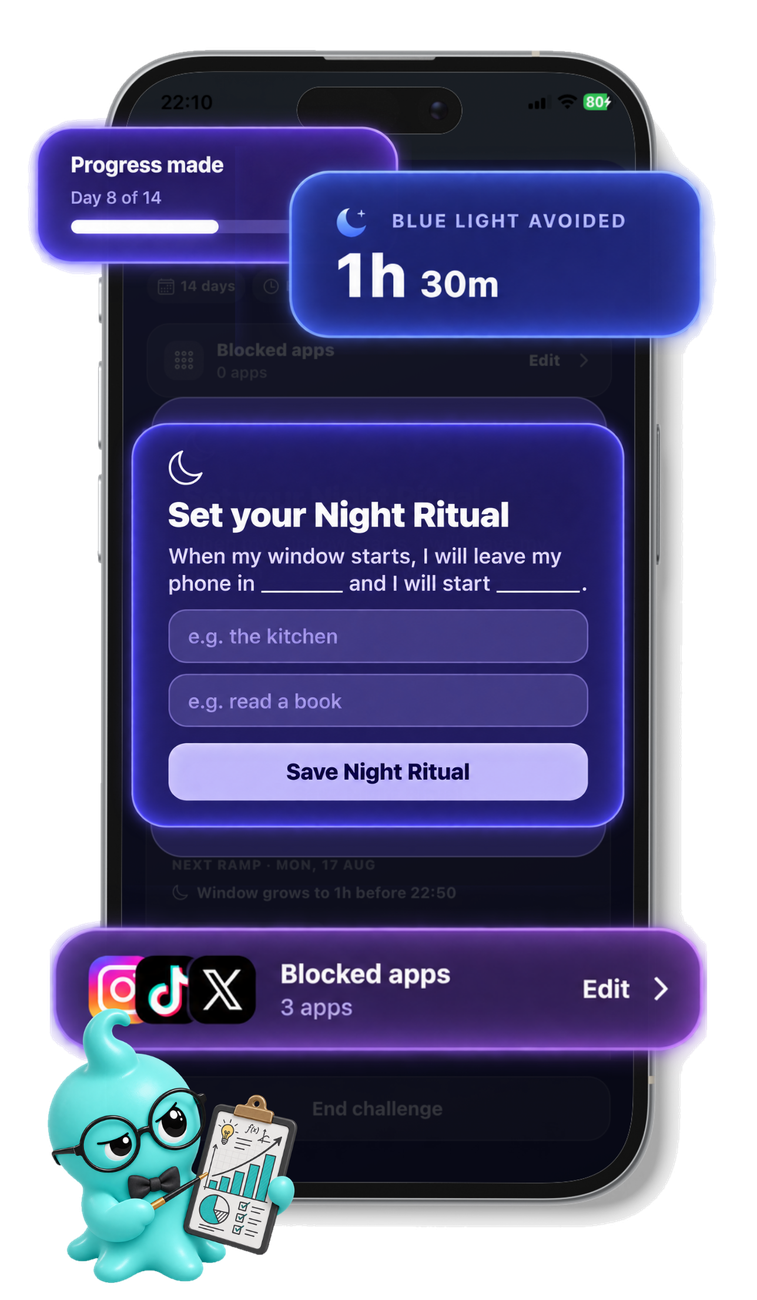
Challenges give your progress a goal to work towards, on your own or with friends. Their duration, target and success rules depend on the challenge you choose.
A screen-time challenge tracks progress; it is not the same thing as starting a timed app block. Some challenge modes also use blocking. Read the chosen challenge’s rules rather than assuming every challenge works the same way.
5. Add friends when shared progress helps
Create or join a group in PhoneLess to compare shared progress and take on group challenges. Check its visibility and membership before joining.
For a new installation, keep the original group invitation. After setup, return to the link or use its group code. A store download alone does not automatically recover the invitation. Learn what others can see and how configured social breaks work on the friends page.
Want a physical reminder? Meet Poff.
Poff is an optional NFC accessory for compatible iPhones, sold separately where available. Scan it to start or stop a Poff blocking session with your chosen apps.
The iPhone Poff flow is the one described here. Device permissions still control blocking. You can use PhoneLess’s app-based tools without buying Poff.
Explore PoffMake room for life beyond the scroll.
Set your own boundaries, or bring friends into the plan. Choose your store to get started.
Free to download. Some features require PhoneLess Pro. Check current access and offers in the app.